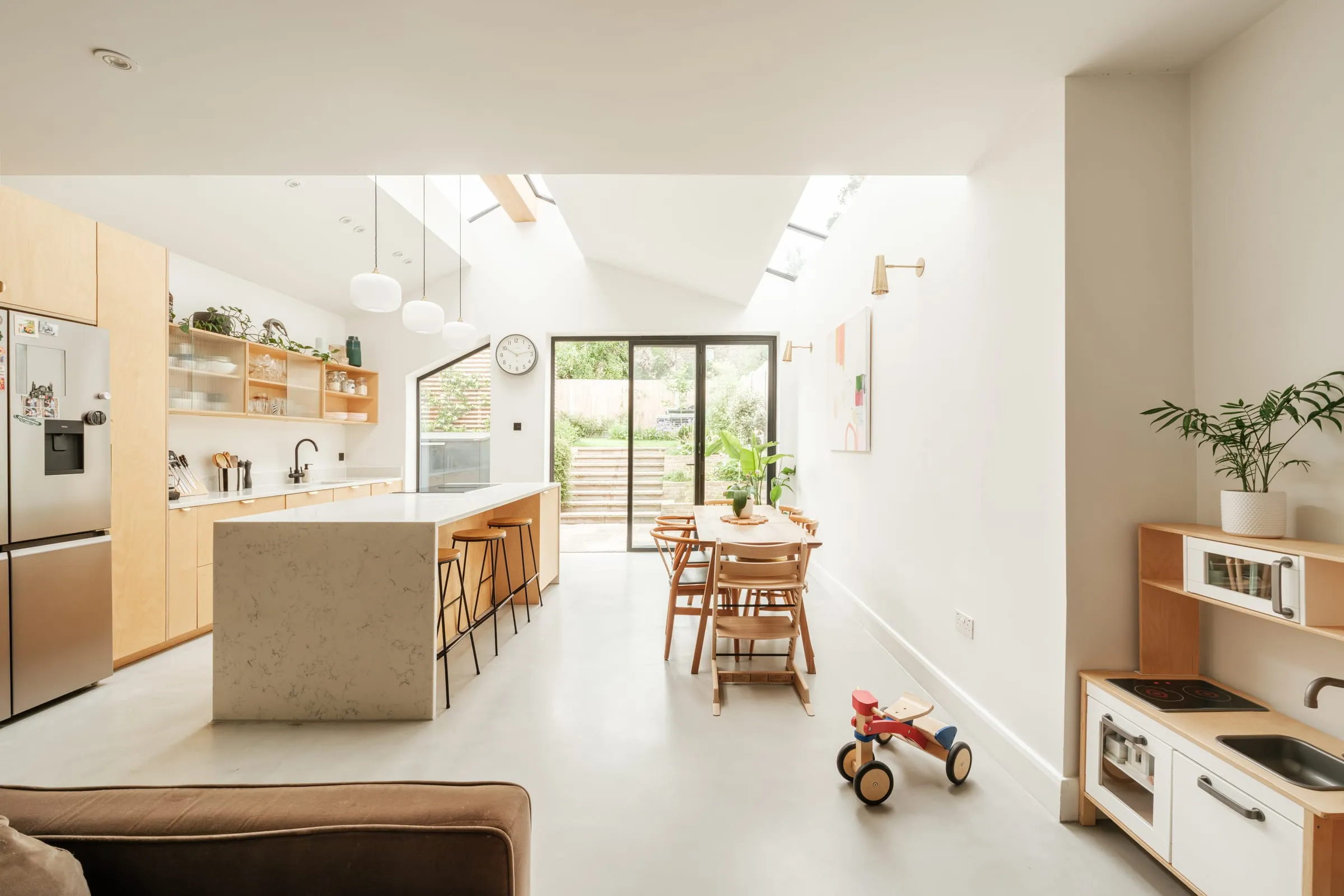
The worry I hear most often before a renovation is a simple one: “I can’t picture it.” People look at a floor plan and see lines. They look at an elevation and can’t tell whether the new kitchen will feel generous or cramped, bright or gloomy. Then they are asked to approve a design that will take a large share of their savings.
That is a reasonable worry, and it is why virtual reality gets talked about so much in home renovation. Some practices offer headset tours of a design. It is worth being clear about what actually helps a homeowner decide, and what is just impressive.
Do you need a VR headset to see a renovation design?
No. A headset is exciting for ten minutes. What actually helps is simpler: being able to move around a model of your own house, at your own pace, and look at it from where you will really stand. You can do that on a laptop or a tablet at the kitchen table, with your partner beside you, which is where most of these decisions get made anyway.
That is the approach I take. I design in 3D from the start. In Design & Planning that means two layout options worked up as models, then one developed scheme, with five 3D views and a walk-through model you can open in a web browser and move around yourself. Nobody needs special equipment, and you can go back to it in the evening and look again, which is when most of the good questions occur to people.
What is a 3D walk-through good for?
Height and volume, first. A ceiling at 2.4 metres feels very different from one rising to 3.5 metres under a pitched roof, and no floor plan conveys that. A model does.
Then light. The model can show where the sun falls through a rooflight in the morning and how far it reaches into the room. It is the clearest way to see whether the middle of the house will be bright or dark once the extension is built.
Then the view from where you will sit. Standing at the sink, can you see the garden? From the sofa, do you look at the television or at the boiler cupboard? Small questions, but they make a large difference to living in a house, and a model answers them before the walls go up.
And how it looks from outside: from the garden, and from your neighbour’s side of the fence. That is the view a planning officer will be thinking about, and it helps to see it early.
Materials too, within limits. A model is good for judging how much timber cladding feels right against brick, or whether a dark window frame suits the house, even though the exact colour still has to be chosen from real samples.
What can’t a virtual walk-through tell you?
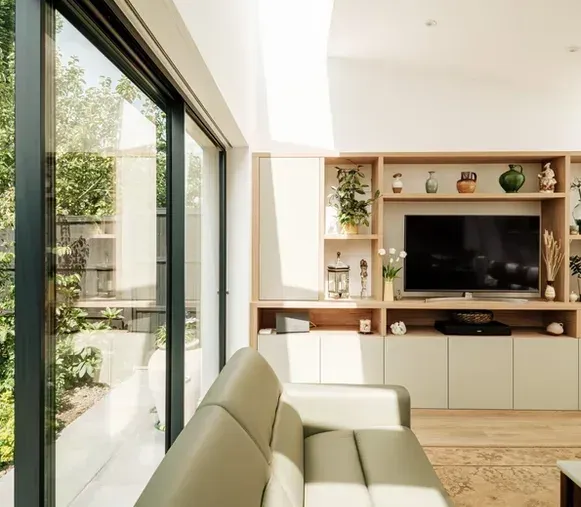
A model is a tool for testing decisions, not a promise of how the finished room will look. Colours on a screen are not the colours of real brick or oak. Furniture in a model is often smaller than the sofa you actually own. Wide camera angles make rooms look larger than they will feel. A headset doesn’t fix any of that. If anything, the sense of being “inside” the design makes it easier to forget that the model is only as accurate as what was put into it.
A model also can’t tell you whether the structure works, what the council will accept or what it will cost to build. Those questions need their own answers, and they come first. A lovely image of a scheme that fails planning or blows the budget is no use to anyone. The different kinds of model and image, and what each is for, are set out in what is 3D architectural visualisation.
Where does it fit in a renovation?
The order matters. Before any 3D modelling, the Clarity Pack tests what is realistically possible on your site and within your budget, usually through two or three properly different layout options drawn in 2D. Once the strongest route is chosen, Design & Planning develops it in 3D. That is where the walk-through earns its keep: you are refining a scheme you already know is viable, not falling for one that isn’t. The full sequence is on our process page.
Changes are easy at this point. Moving a wall, lowering a window sill or widening a rooflight in the model takes very little time, and you can see the result straight away, next to the version before. That is the kind of decision that is awkward to make from drawings and disruptive to make on site.
Is it useful for planning a home for later life?
Very. For homeowners planning around mobility needs, or simply planning to stay in the house for decades, a model lets you check the turning space in a bathroom, the width of the route from the car to the kitchen, or whether a level threshold to the garden really is level. Getting those right on screen is far easier than moving a doorway once it is built. Bungalows come up often here, and the home renovations and extensions page covers how that kind of project is approached.
It is also a good way to involve the rest of the family. Children and older parents who would never read a plan can usually find their way around a model in a few minutes.
The point of all of it is the same: to make the decisions while they are still easy to change. There is more on that in how 3D design helps you decide before you build.
If you’re finding it hard to picture what your own house could be, a free 15-minute Clarity Call is a good place to start.